Research + App for Environmental UX
Simulating environmental variability to validate digital interaction design

Simulating environmental variability to validate digital interaction design
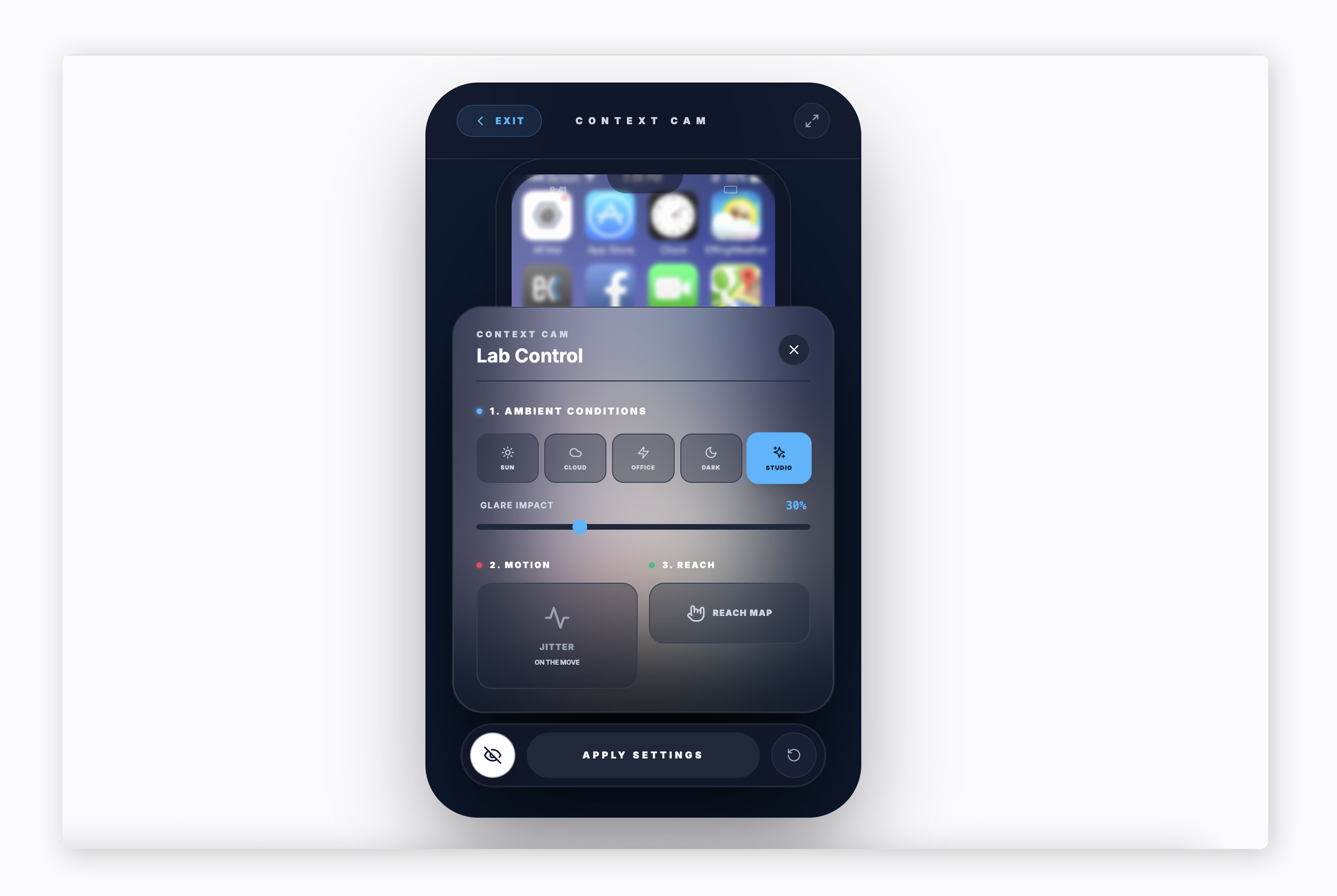
Led a focused research and prototyping engagement to test how digital interactions perform under variable real-world conditions.
The project translated environmental complexity into structured testing scenarios, enabling clearer UX decision-making grounded in observed behavior rather than assumption.
his work helped stakeholders evaluate interaction resilience and refine design direction before broader implementation.
Digital interfaces are typically tested in controlled environments. However, many real-world use cases involve unpredictable variables such as lighting conditions, motion, distraction, and environmental context.
The project explored how environmental variability affects user interaction patterns and decision-making.
Without simulation, design assumptions risked being validated only in ideal conditions rather than realistic ones.
Testing UX under environmental variability introduces noise and complexity.
The challenge was to create a controlled framework that simulated realistic conditions while still generating meaningful, interpretable insights. The work required balancing research rigor with rapid prototyping to keep the effort actionable and focused.
The engagement focused on translating environmental variability into structured testing models.
The process emphasized clarity, repeatability, and practical decision-making.
Identified interaction breakdown points under variable environmental conditions. Validated and refined key UX assumptions prior to broader implementation. Delivered actionable insights that informed subsequent design iteration. Increased stakeholder confidence in interaction resilience and design direction.
Macro-level system evolution across distributed academic teams.
Semantic type scale and governed token structure designed for clarity and accessibility.
Core tokens, semantic mapping, and controlled overrides to support multiple brands without fragmentation.
If your organization is navigating complex interaction environments or exploring research-driven validation, I can help structure focused prototyping and testing approaches.